
Hey everyone, I want to create a stencil for the common elements I use when journaling. Reference picture attached. Now that I figured out how to work with text in FreeCAD, I hit the unexpected but in hindsight obvious roadblock of finding a font that can be printed “negatively”? I am not sure how to properly word it, but the gist is that the text can’t have parts disconnected from the rest of the stencil. Check the uppercase B and D letters in the picture, i.e. Dafont.com has the Stencil category, but everything in there is pretty military looking. So my question is: Does anyone know of a freely available font for such a use case?
You must log in or # to comment.
Fonts like this are a common headache in the Cricut world. Lots of resources in that space.
Perfect! Thank you!
Not what you’re asking for, but I’d recommend using a laser cutter with a sheet of acrylic if you can get access to one since you’ll get a better quality stencil than 3D printing one. A vinyl cutter like a Cricut or Silhouette machine might also be able to do a better job of it on something like chipboard if you don’t have access to a laser cutter.
Once I have a space for a workshop or live somewhere near a maker space, a laser cutter is definitely on my bucket list. Not available at the moment.
No idea where to find such a font. But why not just do it yourself? Find a font you like, make the 3D file, and then add the positive bars to support the loose bits manually to each character that needs it.
I’m assuming that you don’t have hundreds of such cases for your stencil, of course.
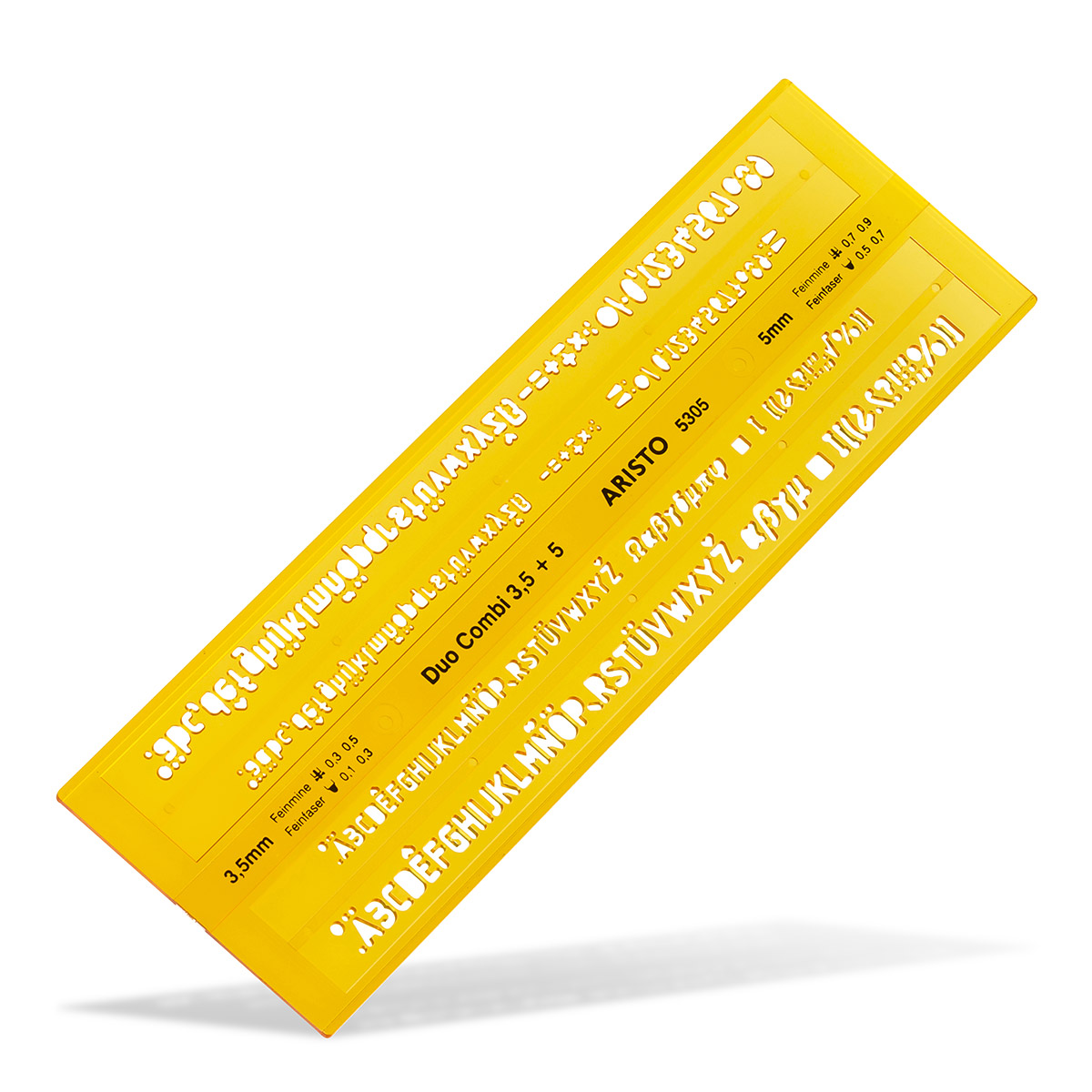
Well, there are plenty of fonts available with these sorts of bars attached that can be printed this way. For example, I saved this font for another project. However, looking at it in the 3D render, the font seems too fragmented at this scale. Another option might be this one. But they both don’t fit the aesthetic I would like to have.
Yes, creating my own font is also viable, but I would prefer to not dig into another branch of creative work, as I tend to start too many projects at once, anyway.
He’s not talking about designing your own font. He is proposing to use the font you like and just to create this little “bridge” that you need so that the inside of the o is not falling out manually. That is easy to do and there are not that many letters where it is needed.
That is a very healthy attitude to have!