

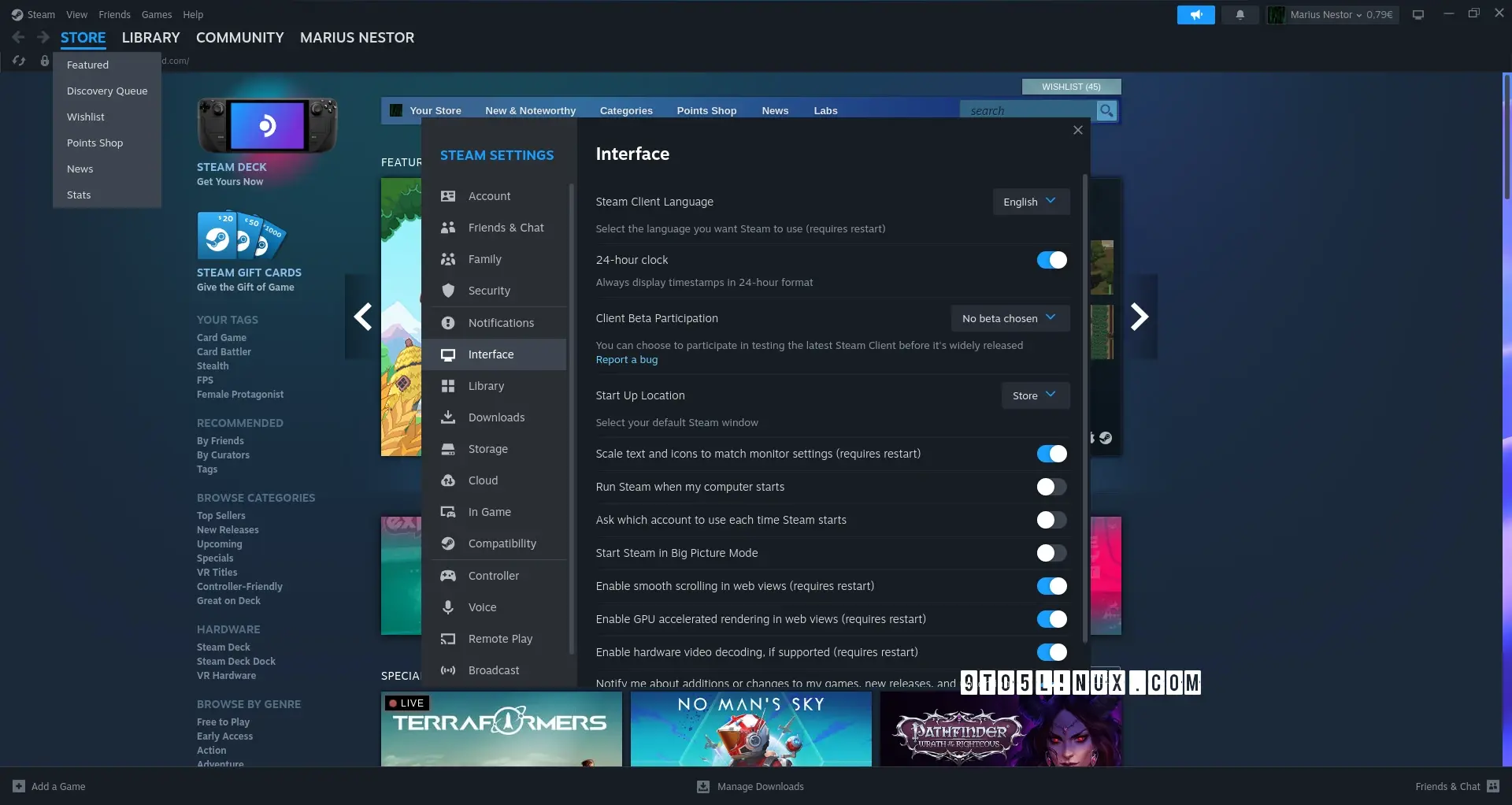
“However, Valve notes the fact that enabling hardware acceleration on NVIDIA GPUs may cause X11 to crash.”
Nvidia strikes again. :)
I don’t care about hardware acceleration for a game launcher, but I sure wish they would make it use the native system widgets and theme. They need to reduce the bloat by about 95% as well.
Native UI? That’s not Gamer™️ enough. To be taken seriously, you need flashy UIs with broken scrolling, useless animations, unresponsive buttons, and inconsistent widgets.
So I just installed the latest version of Steam on Arch Linux and whenever I start it up it has a popup saying “Failure - invalid app configuration”. After I close the popup, I’m able to access Steam normally, but I’d rather not have to do that on every startup.
Anyone having the same issue?
According to the archlinux wiki:
“If you are trying to run a native game using Proton but get a Steam compatibility tool error immediately after starting the game, you might have to reinstall the runtime.
- Navigate to your Steam library.
- In the dropdown above your game list check the Tools option to make them visible.
- Search for Proton, right click on each installed tool, visit Properties, open the Local files tab and click Verify integrity of tool files for each entry.
- Search for Steam Linux Runtime and repeat the same procedure. If none are available, install the latest Steam Linux Runtime - Soldier.”
Link: https://wiki.archlinux.org/title/Steam/Troubleshooting
Fantastic news! thanks
beware NVIDIA tho:
However, Valve notes the fact that enabling hardware acceleration on NVIDIA GPUs may cause X11 to crash. As such, hardware acceleration will be disabled by default for NVIDIA systems. In addition, Valve says that DPI scaling may not work correctly when hardware acceleration is disabled.
I know, but it’s progress none the less. At this point, I’d be nearly insane to expect this to work with NVIDIA out the gate :/
What happened to Nvidia open sourcing their graphics driver last year? It seems like nothing came out of it. I know the userland is still closed, but wasn’t there an effort to include the driver in Mesa?
I’m not too sure, but I wish there was more action from the code being open sourced. I remember reading a little while back some newer code was leaked for NVIDIA as well, but pretty much the similar issue as there hasn’t been too much done with the info as far as I know.